
IT SUPPORT & CONSULTINGClear the friction.
Clear the friction.
Choose the right next step.
Technical troubleshooting, software setup, and guidance on choosing suitable business tools.
UNDERSTAND BEFORE CHANGING
Work from the issue you have.
Describe what you were trying to do, which tool was involved, and what happened. That context helps frame a practical troubleshooting step or a clearer software setup.
For tool selection, start with the task and any constraints that matter. Recommendations are discussed in context rather than presented as a one-size-fits-all answer.
Talk through an IT need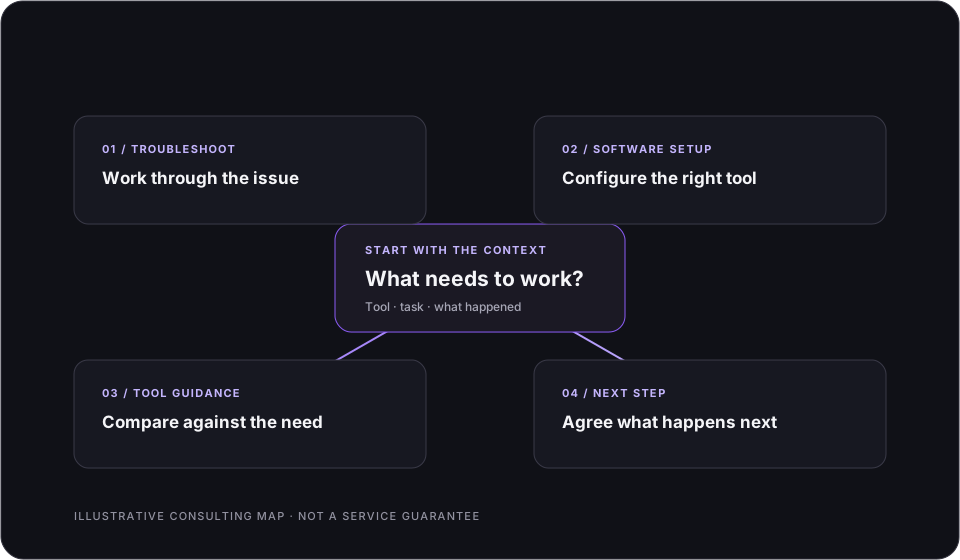
Describe the issueReview the setupChoose a practical next step
A USEFUL FIRST NOTE
Include the context that helps.
- The device or software involved
- What you were trying to do
- What happened instead
- What you need to do next
Please do not email passwords or sensitive account details. Availability and the exact scope are confirmed before work begins.
NEXT STEP
Email Prime TechnologiesWhat’s getting in the way?
Send a short note about the tool and the issue.